Skip to content

Reply DM ​

Reply DM answers direct messages sent to your account, using fixed text, keyword rules, or AI.

Supported platforms ​

PlatformPer accountPer post
Facebook✅-
Instagram✅-
TikTok✅-
Telegram✅-

Reply DM is only available per account, because DMs don't belong to a post.

Modes ​

Text ​

Every incoming message gets the same reply. {name} and {Hi|Hello} work here too.

Keyword ​

Pair keywords with replies. The sender gets the reply paired with the keyword found in their message. Leave a keyword empty to set a default reply, and turn on Exact Match to require the whole message to equal the keyword.

On Facebook and Instagram, each keyword can answer with Text or Opening. With Opening, the keyword gets its own Opening flow, for example a button that sends your catalog link only after the person follows you on Instagram. TikTok and Telegram don't support buttons, so only Text is available there.
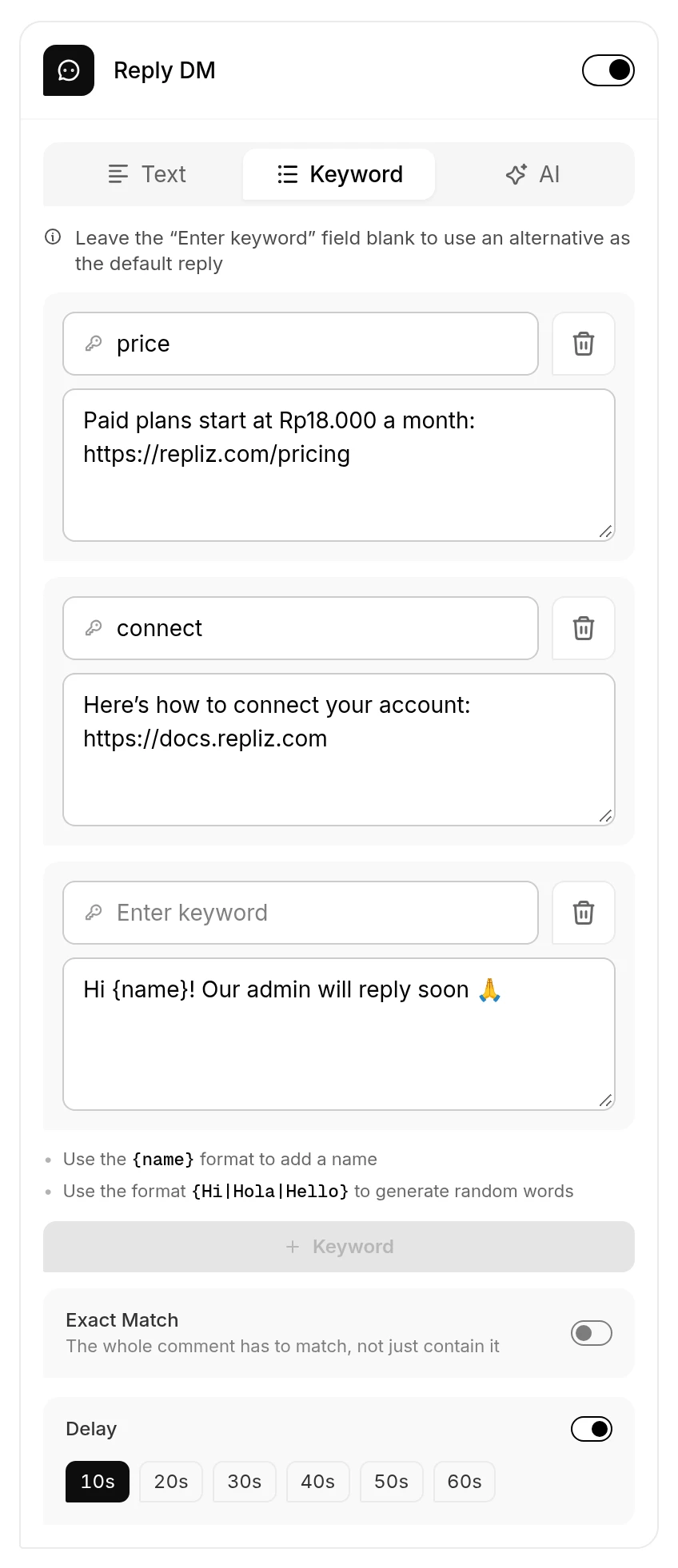
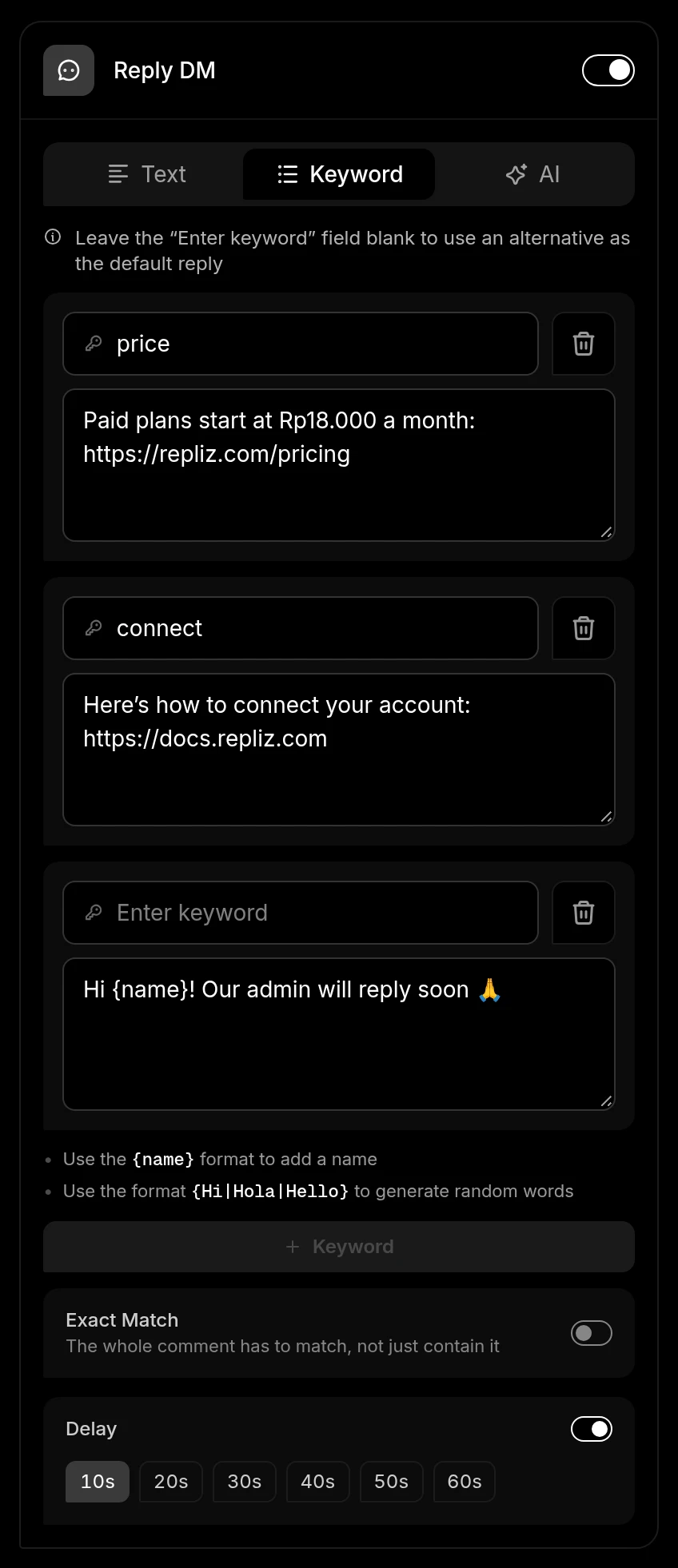
Reply DM in Keyword mode with two keywords, a default reply, and a 10-second DelayReply DM in Keyword mode with two keywords, a default reply, and a 10-second Delay

AI ​

The AI answers each message, following your prompt. Describe your business, your tone, and what the AI should or shouldn't promise. AI mode needs an AI provider. See Using AI.

Options ​

  • Delay: wait 10 to 60 seconds before replying, so the conversation feels less automated.

Set it up ​

  1. Open Account Integration.
  2. Click Automation on the account's card.
  3. Turn on Reply DM.
  4. Choose Text, Keyword, or AI, and fill in the reply, keyword pairs, or prompt.
  5. Optionally turn on Delay.
  6. Click Save.

Good to know ​

  • Reply DM responds to every incoming message, not only the first one in a conversation. With Text mode, someone who sends three messages gets three identical replies. To answer only specific questions, use Keyword mode without a default reply.
  • On Instagram, replies to your Story are handled by Reply Story, not Reply DM.
  • On Telegram, Reply DM answers private chats only, not groups or channels. It skips messages from bots, messages without any text (such as a sticker), and messages that reach Repliz more than 15 minutes after they were sent, for example while the account was disconnected.
  • Every reply is logged in Report, and the conversation appears in Conversation.
For developers

In the API, this automation is the chat object, and it's only accepted on account automation. See Automation Configuration.