Skip to content

Telegram Beta ​

Connect a Telegram account to Repliz to answer its private chats with Reply DM, read and reply to them in Conversation, and schedule posts to its Story, channels, and groups.

Before you start ​

  • The phone with the Telegram account you want to connect, close at hand. You scan a QR code with it.
  • If the account has Two-Step Verification, have its password ready. Repliz asks for it after the scan.
  • Repliz signs in to Telegram as a linked device, the same way Telegram Desktop does. The Telegram integration is provided by Zate and is still in beta.

Steps ​

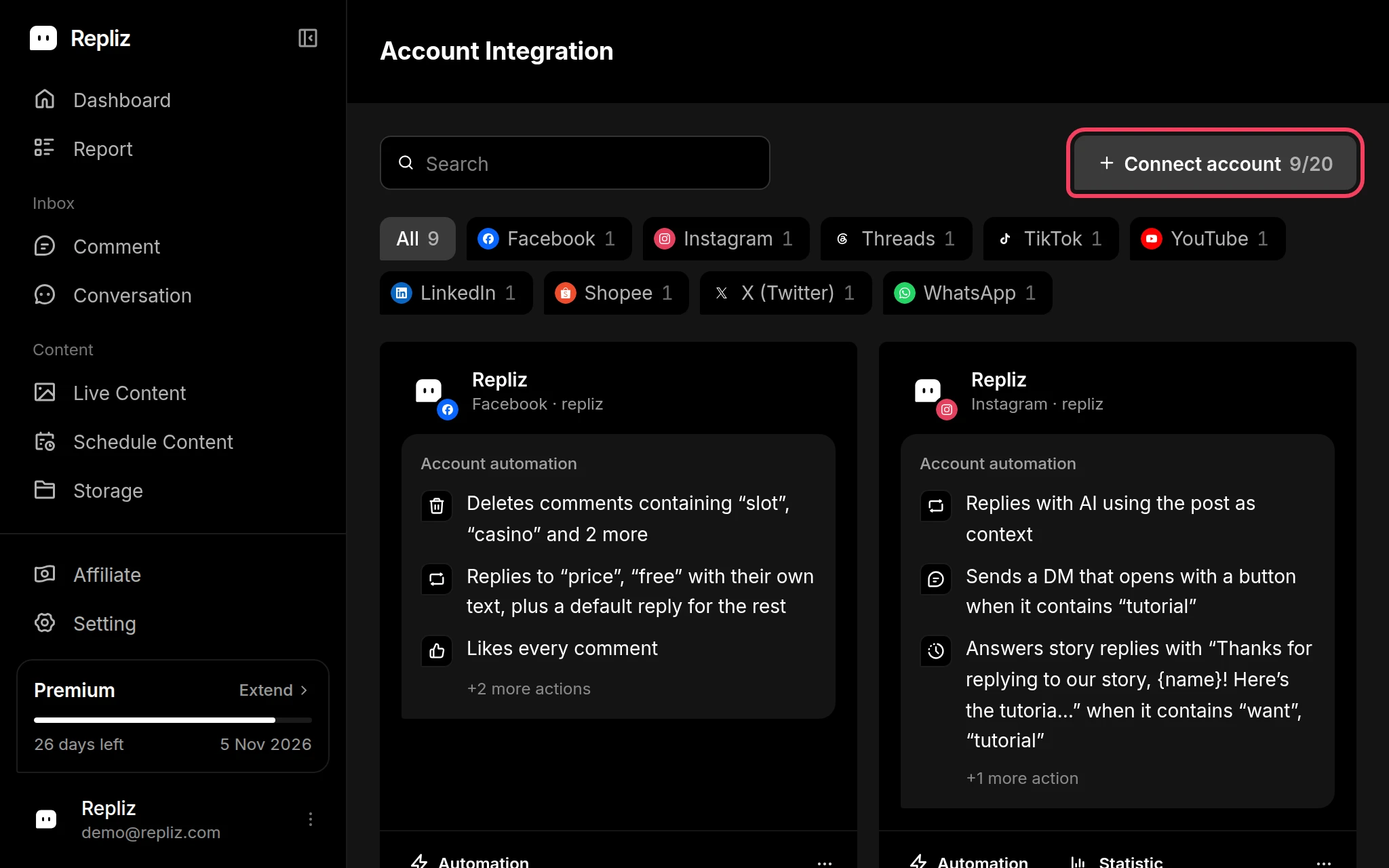
  1. Open Account Integration in your Repliz dashboard and click Connect account.
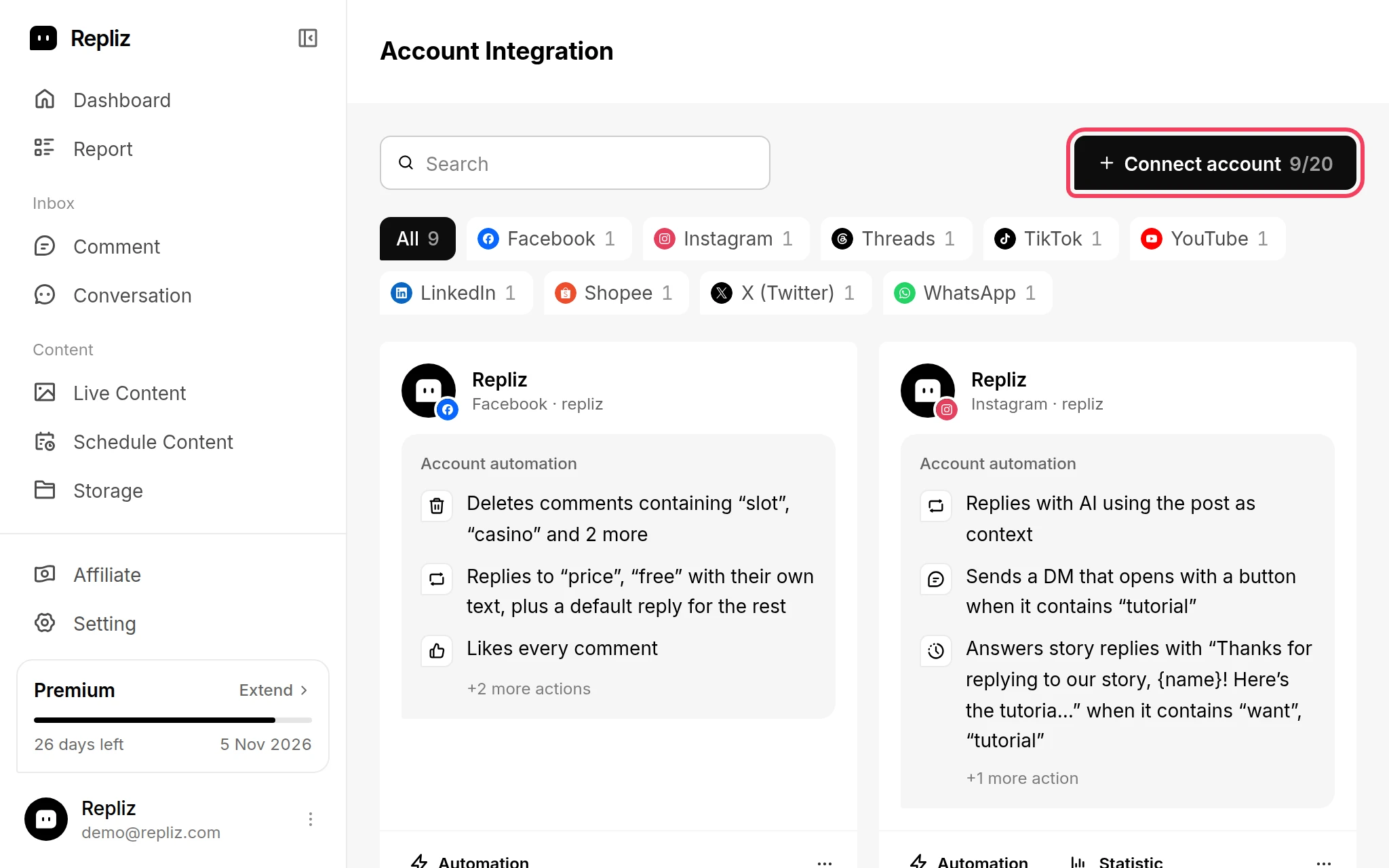
    Account Integration with the Connect account button highlightedAccount Integration with the Connect account button highlighted
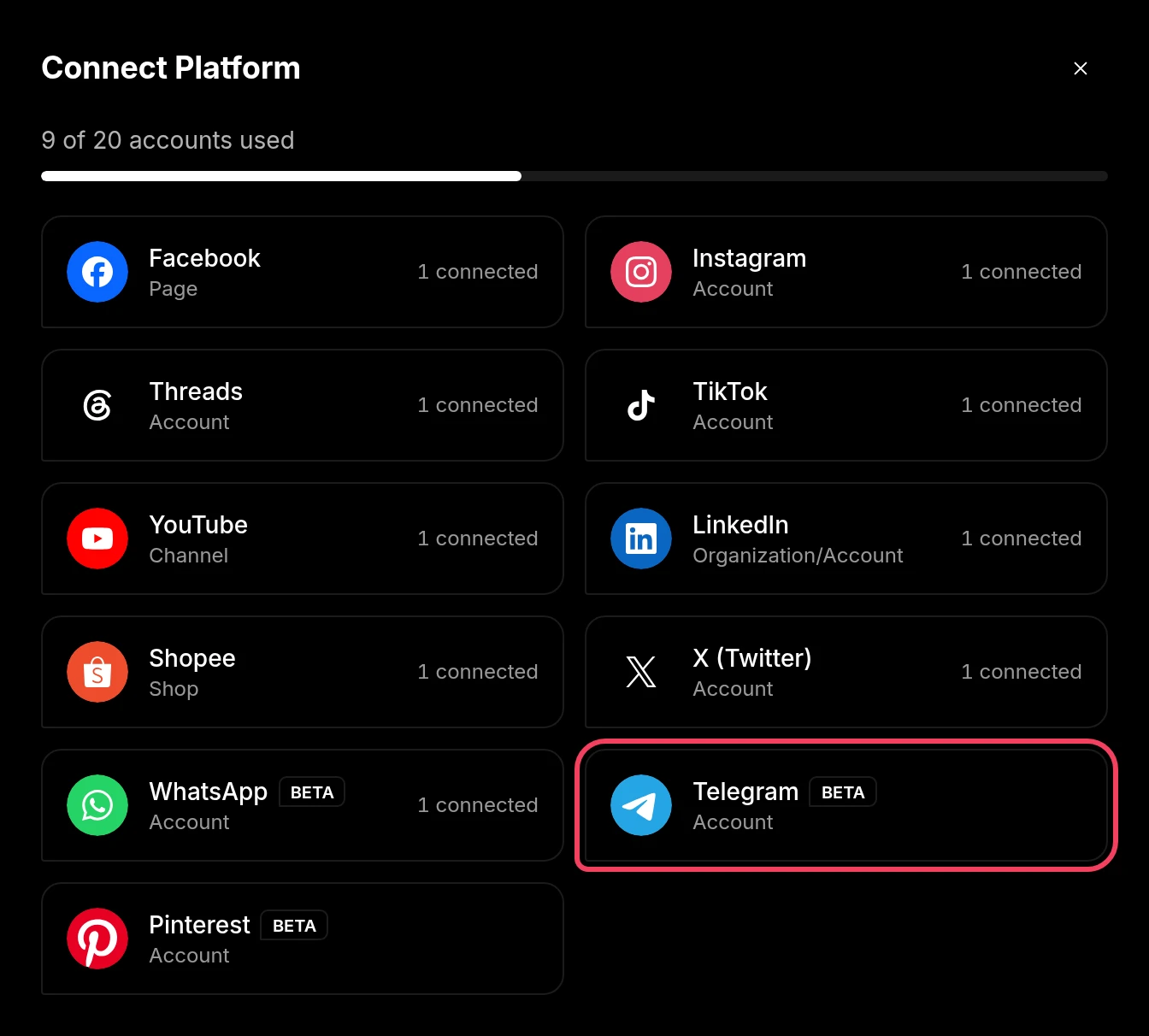
  2. In the Connect Platform window, click Telegram (labeled Account).
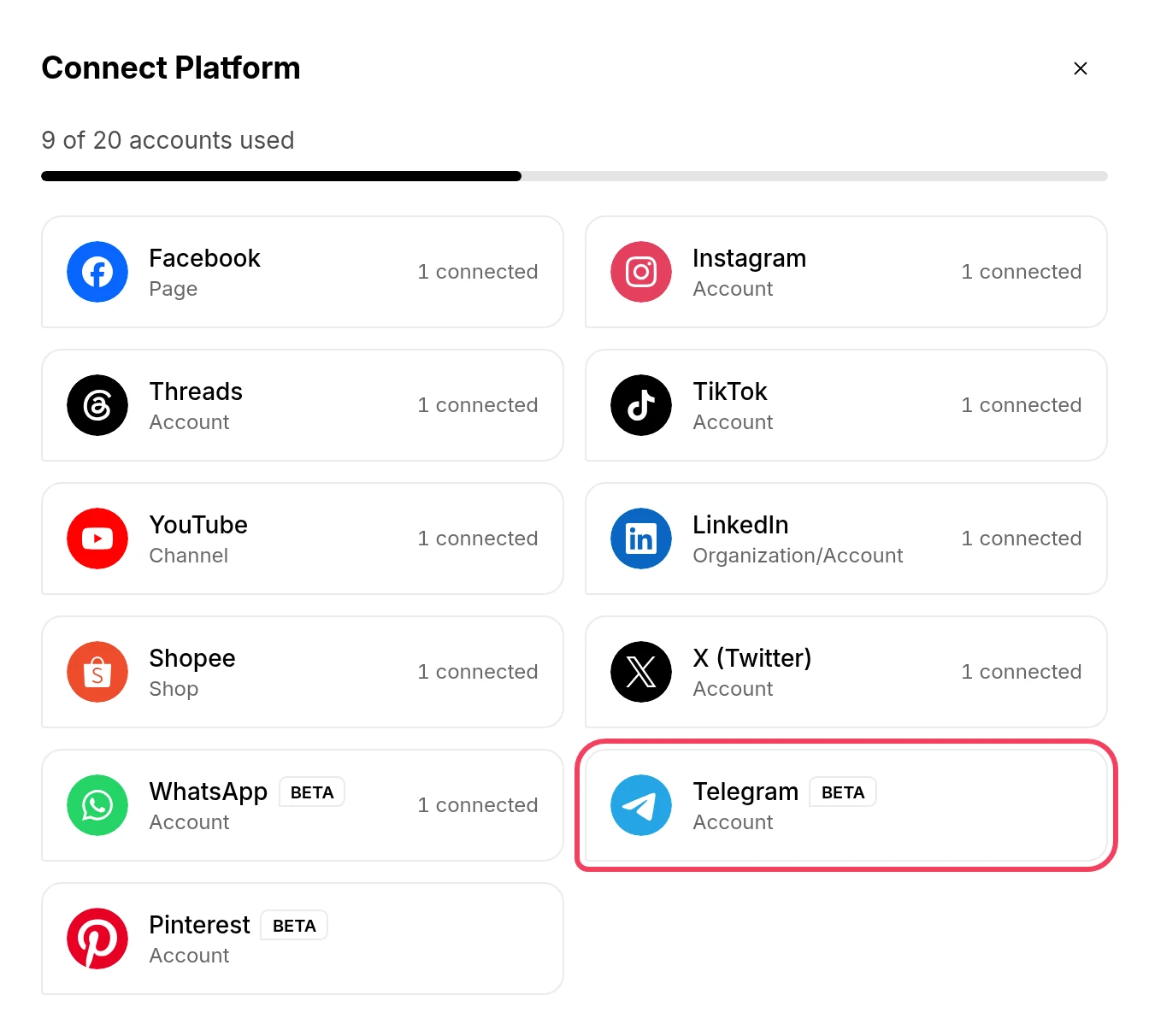
    The Connect Platform window with Telegram highlightedThe Connect Platform window with Telegram highlighted
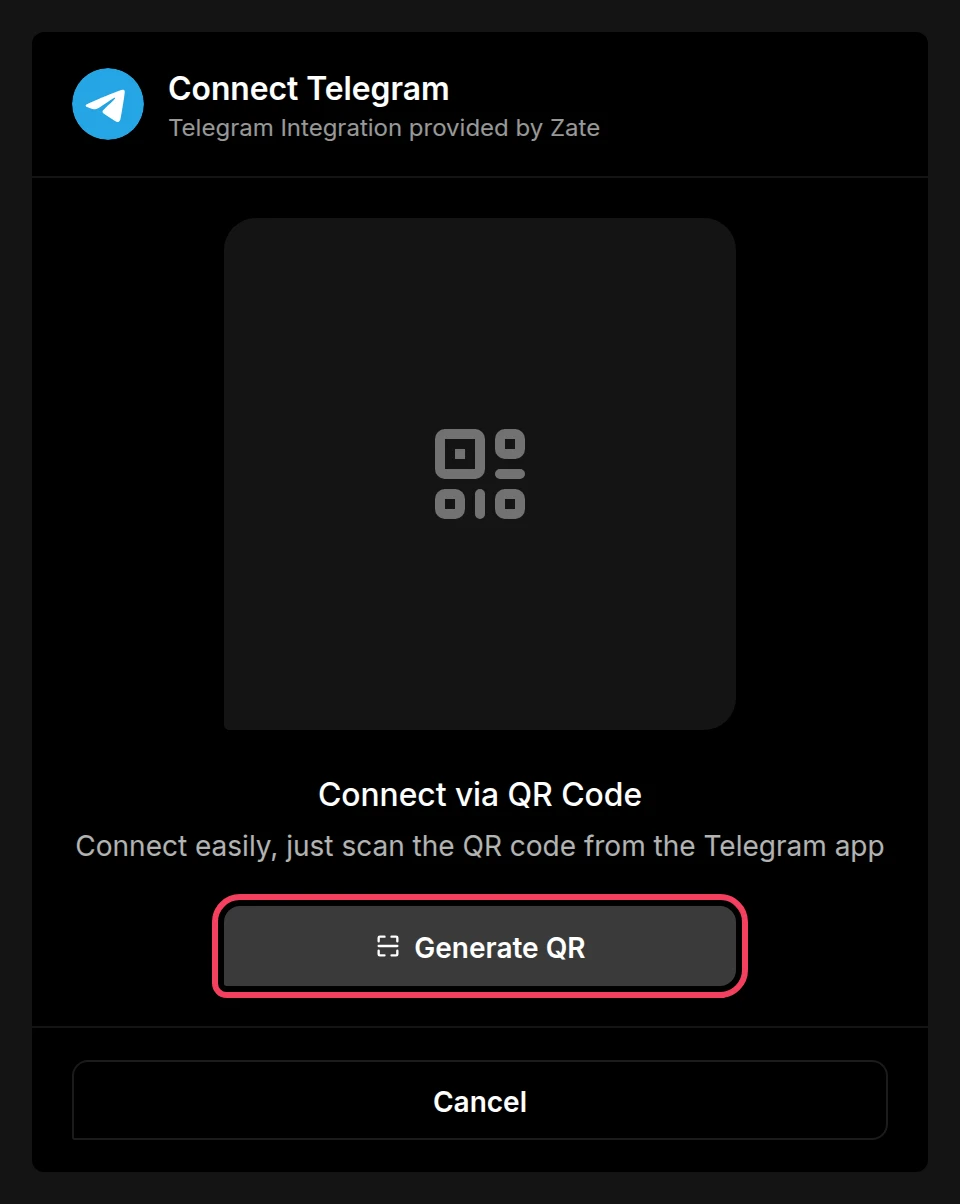
  3. The Connect Telegram page opens. Click Generate QR.
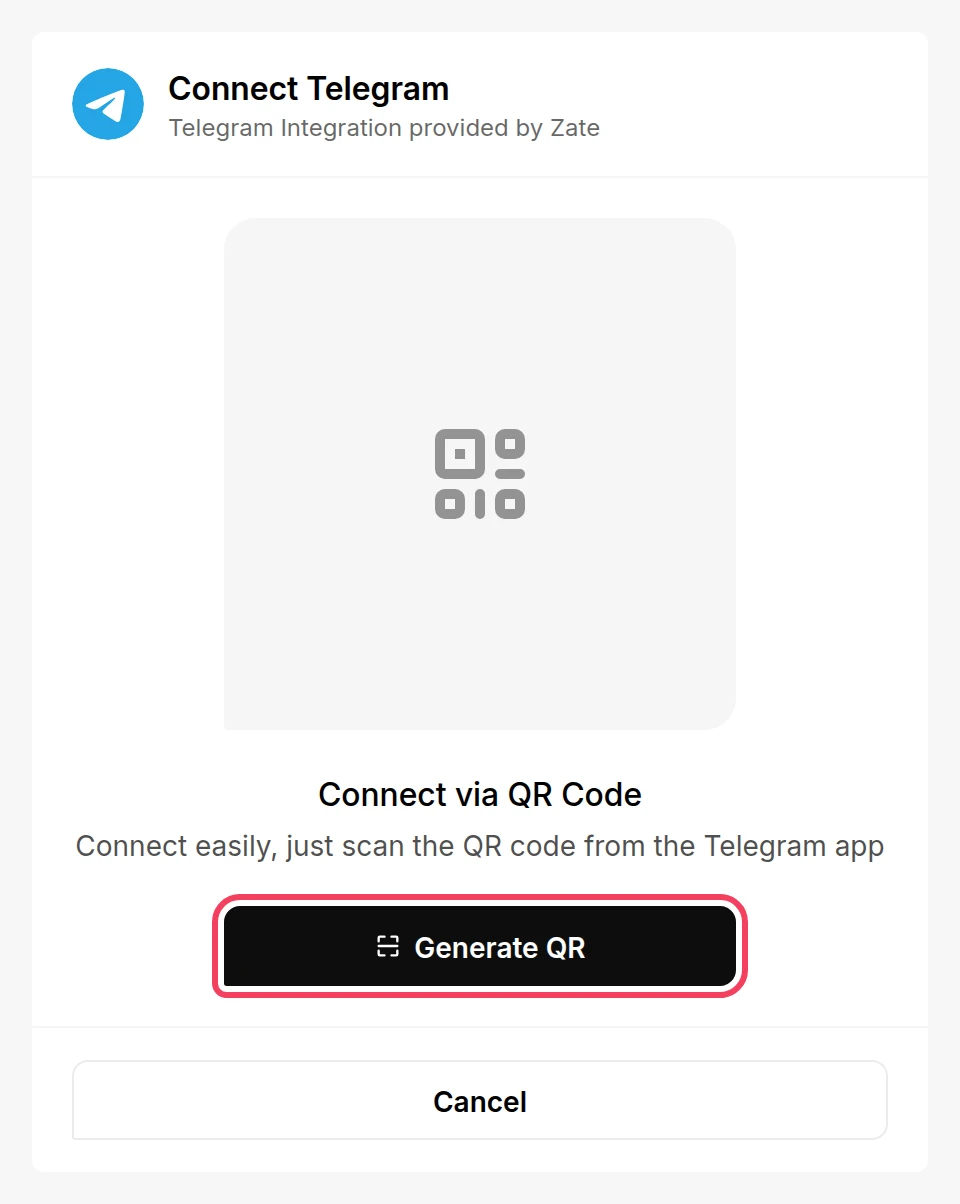
    The Connect Telegram page with the Generate QR button highlightedThe Connect Telegram page with the Generate QR button highlighted
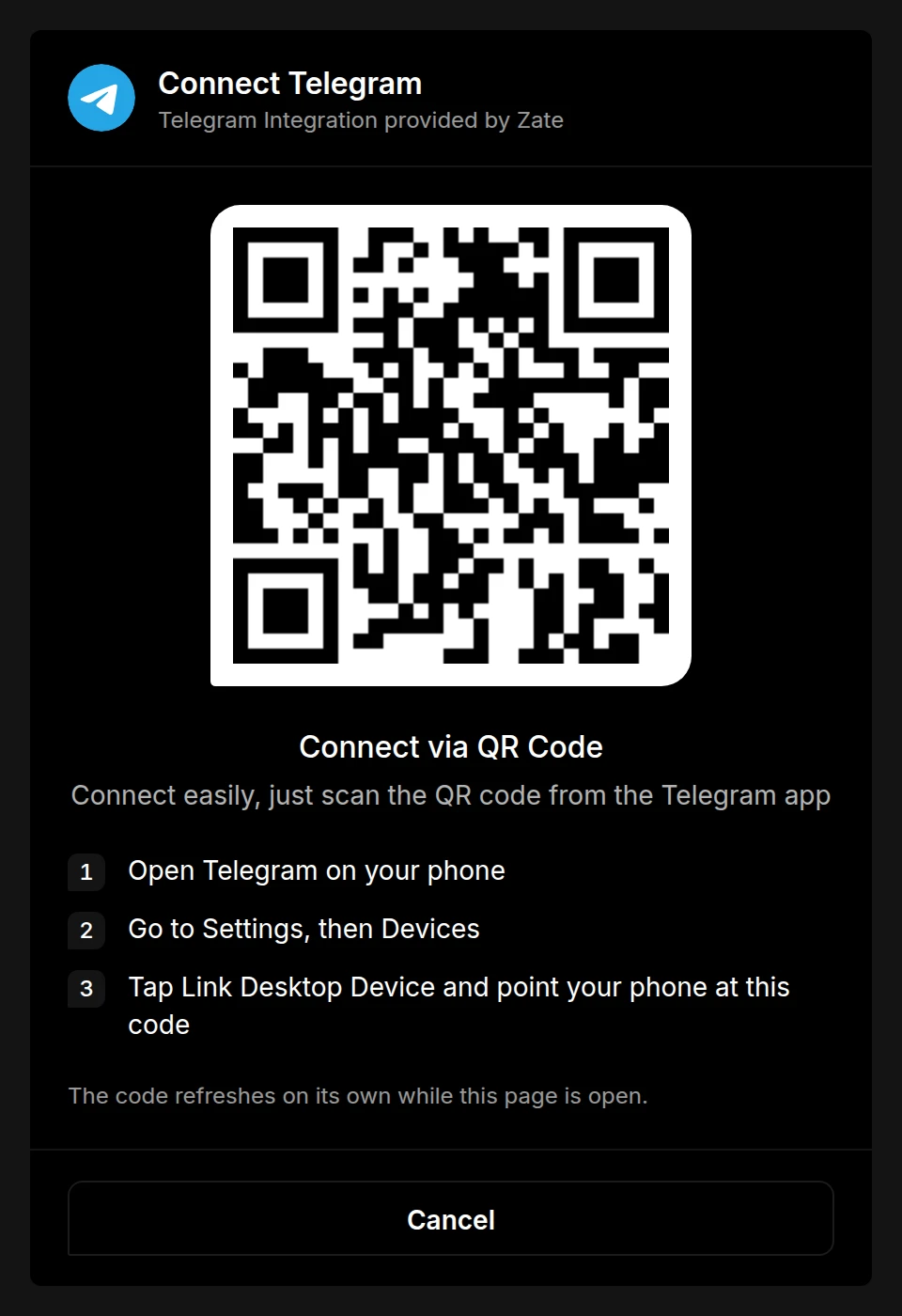
  4. On your phone, open Telegram and go to Settings, then Devices.

  5. Tap Link Desktop Device and point your phone at the QR code on the screen.
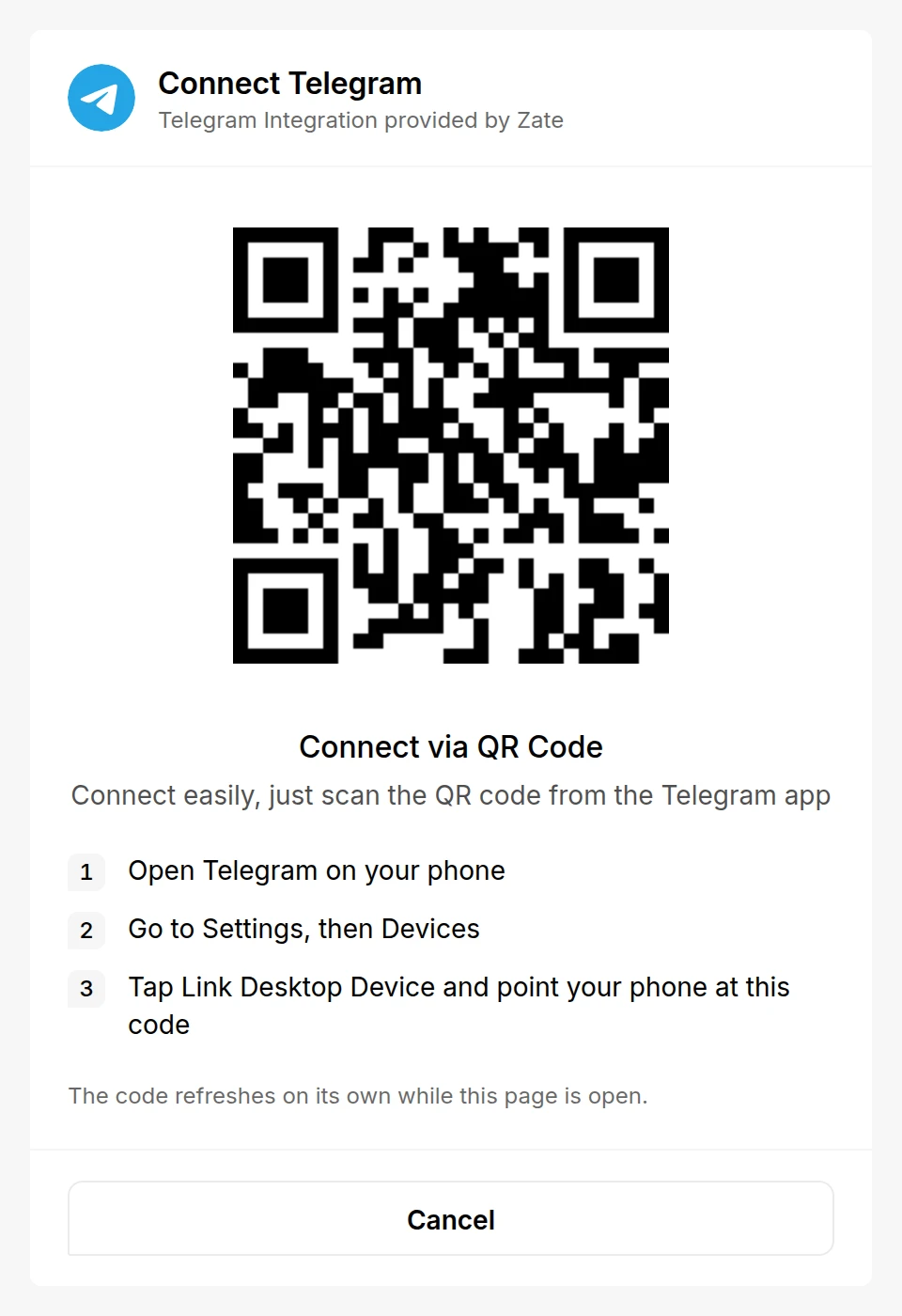
    The Connect Telegram page showing a QR code and the steps to scan itThe Connect Telegram page showing a QR code and the steps to scan it
  6. If the account has Two-Step Verification, the page asks for its password, with the hint you set in Telegram. Type the password and click Continue. A wrong password shows an error and keeps the form open, so you can try again.
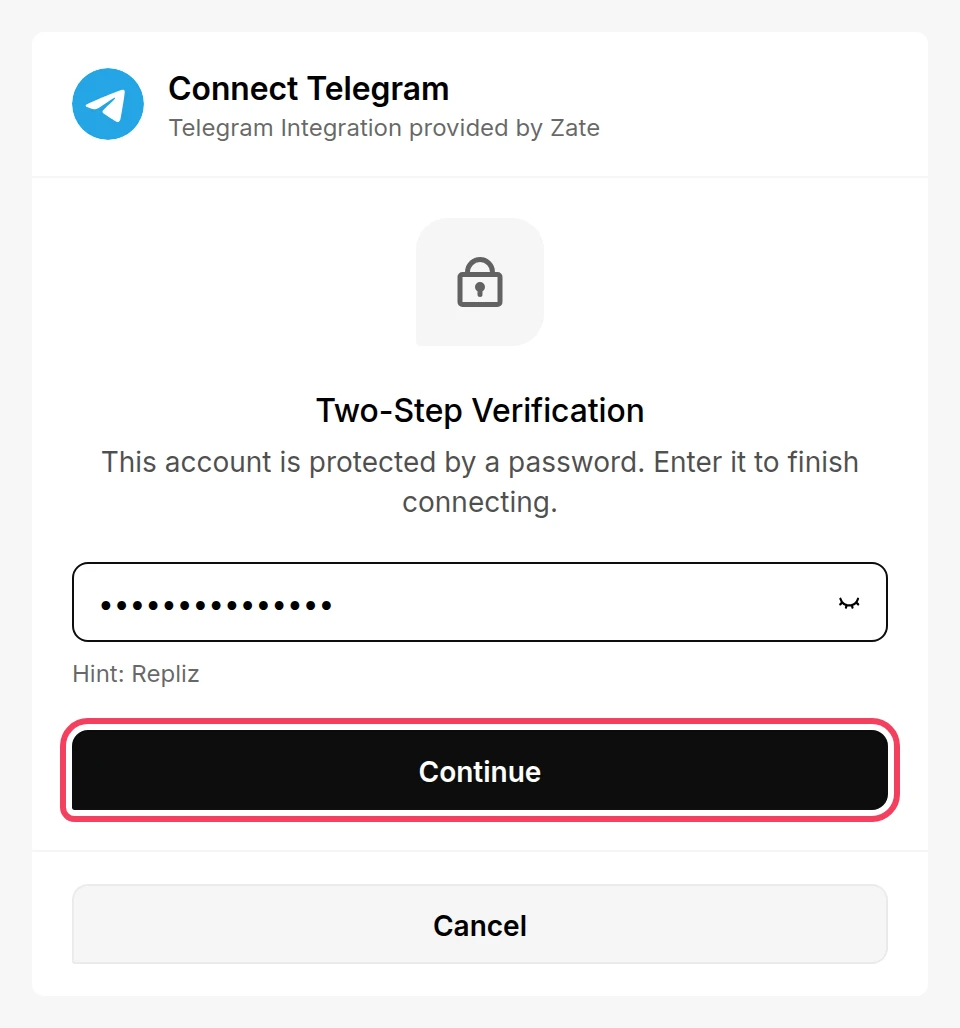
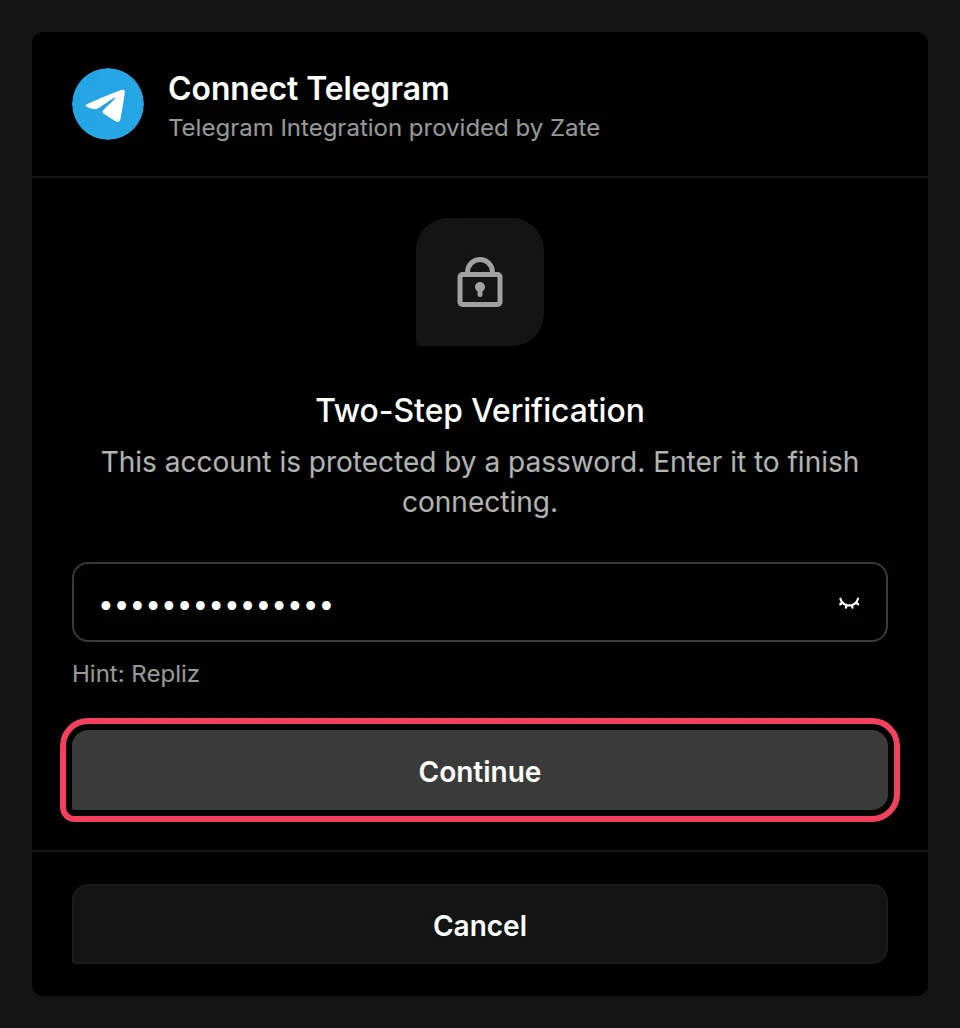
    The Two-Step Verification form with the Continue button highlightedThe Two-Step Verification form with the Continue button highlighted
  7. Repliz connects the account as soon as the login is complete. It shows Account successfully connected and takes you back to Account Integration, where your Telegram account now appears.

The QR code refreshes on its own while the page is open. If nothing is scanned within about three minutes, the code expires and you need to start again.

Reconnect ​

If Repliz loses access to the account, for example when you end its session under Settings → Devices in Telegram, its card in Account Integration gets a yellow outline and a Disconnected notice. Repliz checks Telegram accounts every 30 minutes, so the notice can take that long to show. To fix it:
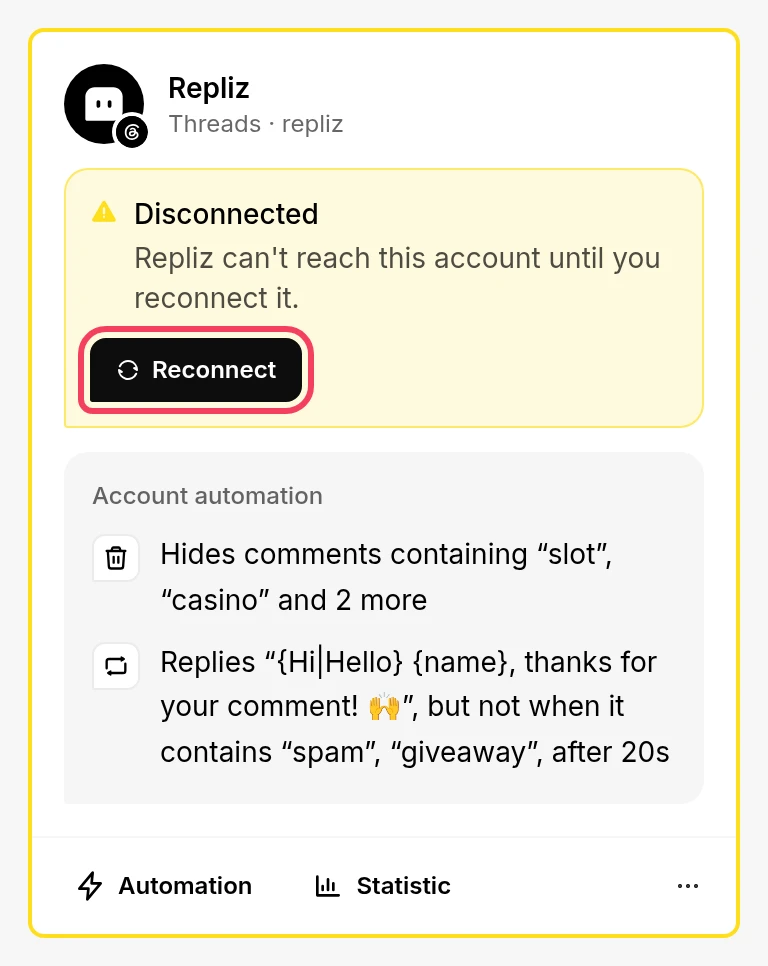
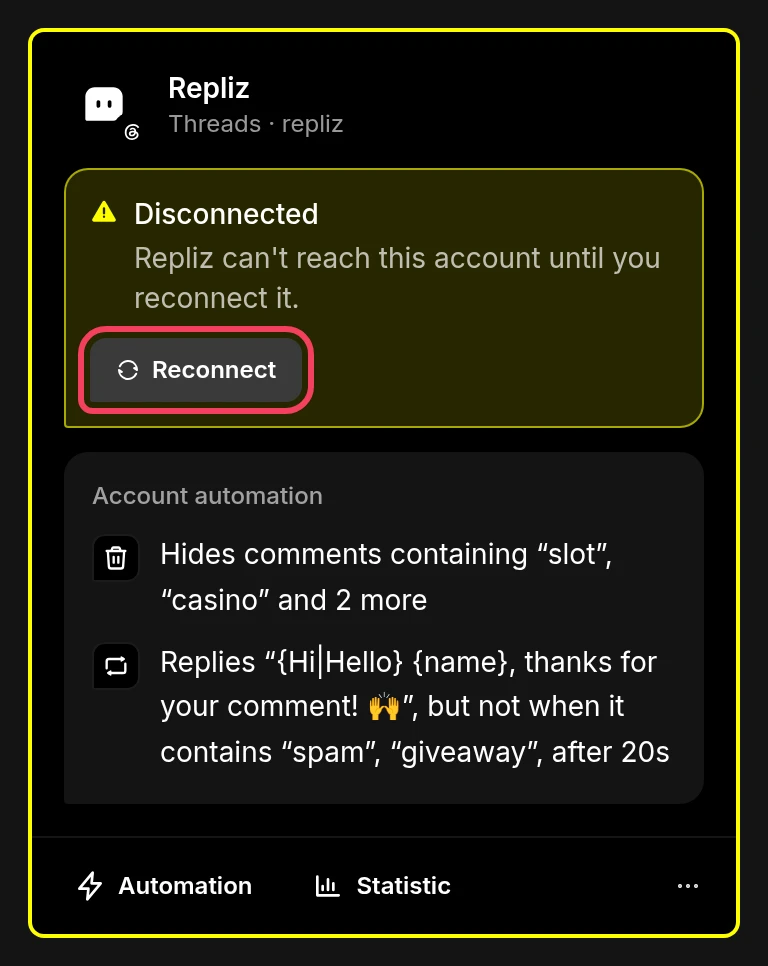
A disconnected account card with the Reconnect button highlightedA disconnected account card with the Reconnect button highlighted
  1. Click Reconnect on the account's card in Account Integration. The same button is also in the card's ⋯ menu.
  2. The Reconnect Telegram page opens. Click Generate QR and scan the code with the same Telegram account. A different account is refused.
  3. Enter the Two-Step Verification password if the page asks for it. Repliz then reconnects the account automatically.

Direct messages ​

  • Reply DM is the only automation for Telegram. Open it with Automation on the account's card. It works the same as on other platforms, with the Text, Keyword, or AI mode and an optional Delay. See Reply DM.
  • Only private chats reach Repliz. Messages in groups and channels aren't answered and don't appear in Conversation.
  • In Conversation, Telegram chats have no 24-hour reply window, and you can send text, images, videos, audio, and documents. Messages you send from the Telegram app also show up there.

Scheduled posts ​

  • When you schedule a post to a Telegram account, you choose where it goes: Send as Story, and the channels and groups you pick with Set Channel. Telegram posts can be text, an image, or a video.
  • Set Channel lists the channels you created or manage as an admin, and the groups the account is a member of. A group where the account isn't allowed to post makes the schedule fail when it's published.
  • A Story is shown to your contacts. Telegram has no text-only Story, so a text post sent as a Story becomes an image with your text on it.
  • Telegram limits how many Stories an account without Telegram Premium can post per day. Once the limit is reached, Telegram refuses more Stories and those schedules fail.
  • In Live Content, a Telegram account first asks you to pick one of your channels, then shows that channel's posts.

Good to know ​

  • Automation per post isn't available for Telegram, and Telegram posts have no comments in Repliz.
  • To stop Repliz from reading the account, end its session in Telegram under Settings → Devices.
  • The Connect account button is greyed out? Every account slot in your plan is in use. Upgrade your plan or delete an account you no longer need. See Account slots.