Skip to content

YouTube ​

Connect a YouTube channel to Repliz to manage its comments and videos from your workspace.

Before you start ​

  • The Google account that owns or manages the channel.

Steps ​

  1. Open Account Integration in your Repliz dashboard and click Connect account.
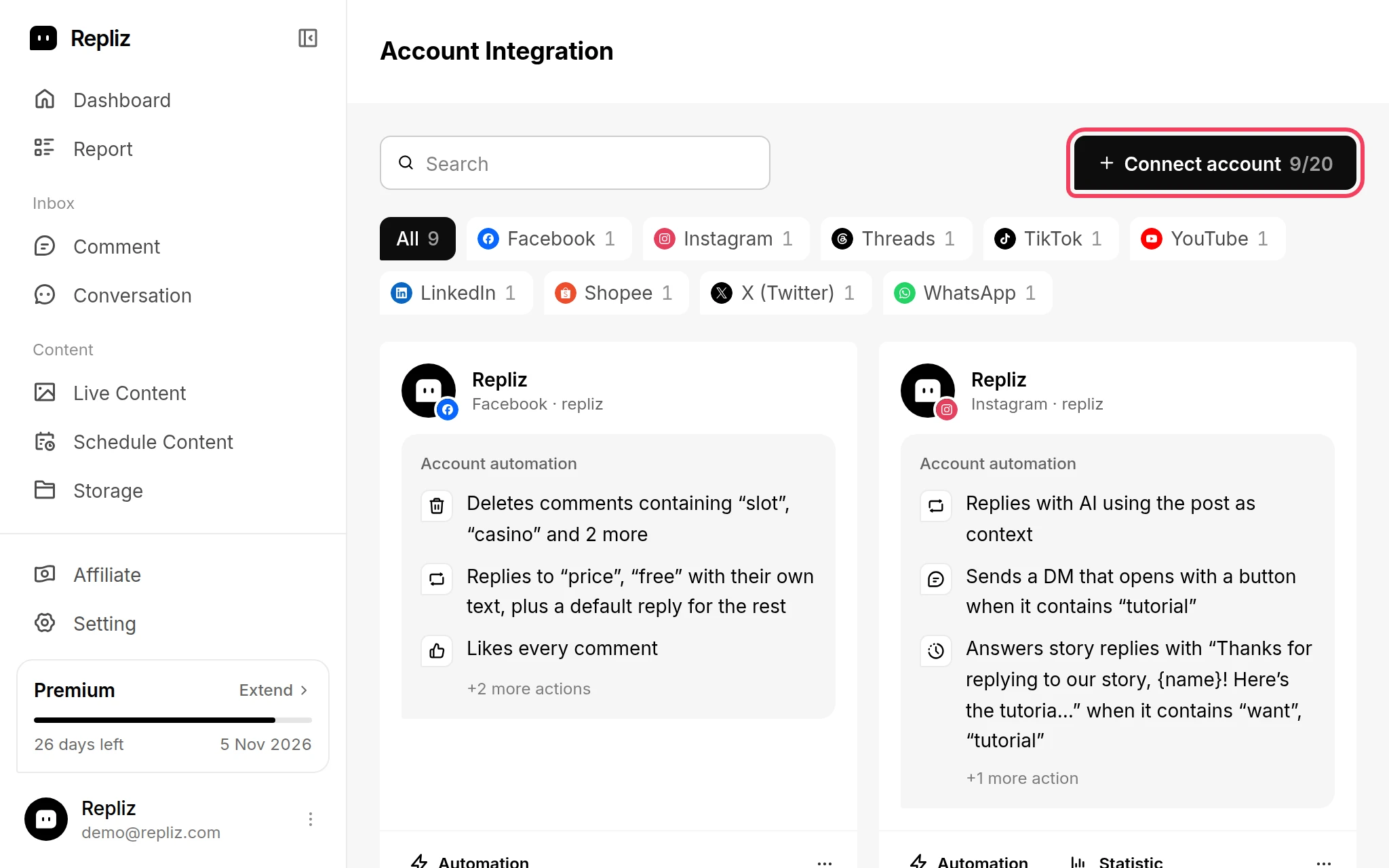
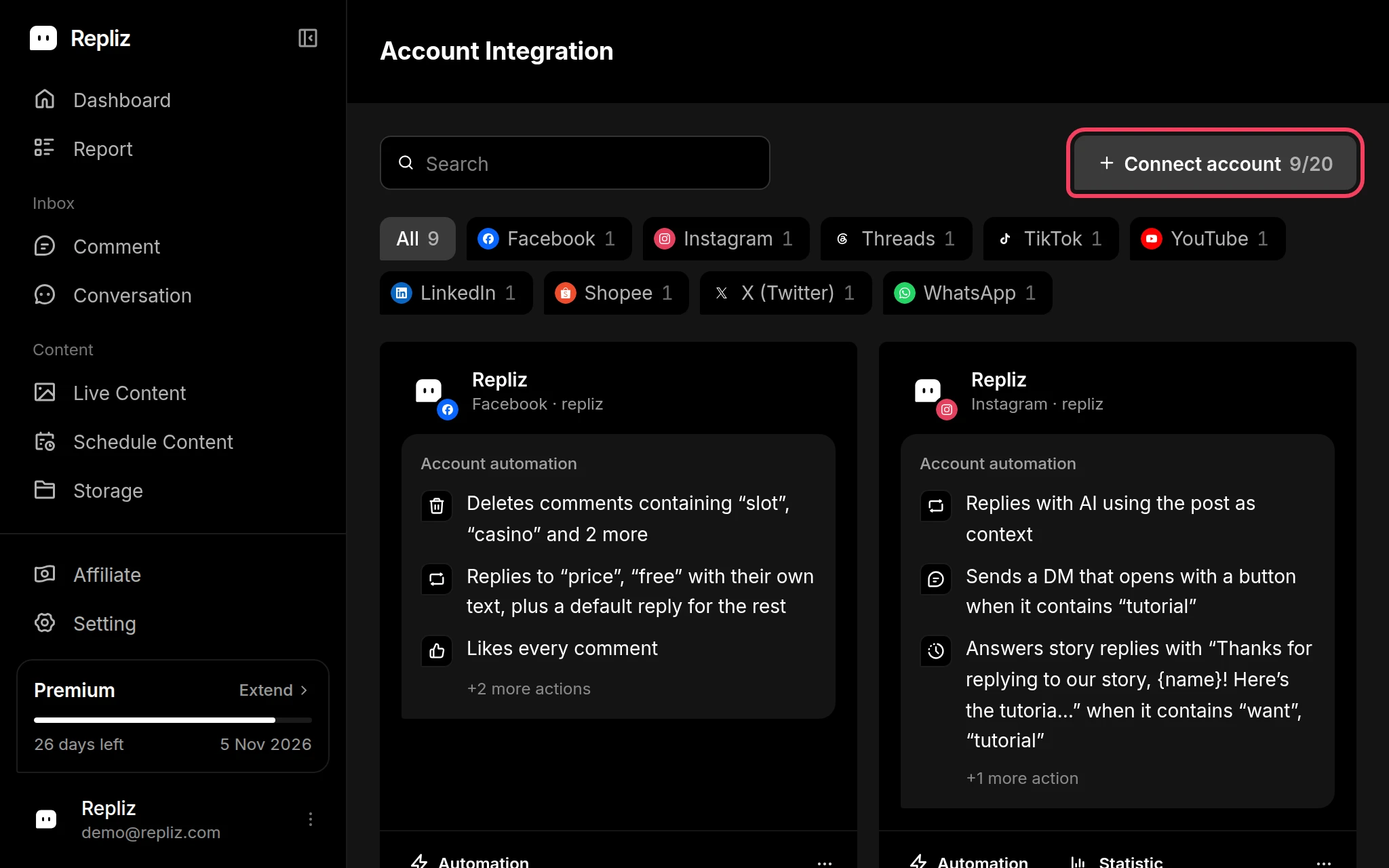
    Account Integration with the Connect account button highlightedAccount Integration with the Connect account button highlighted
  2. In the Connect Platform window, click YouTube (labeled Channel).
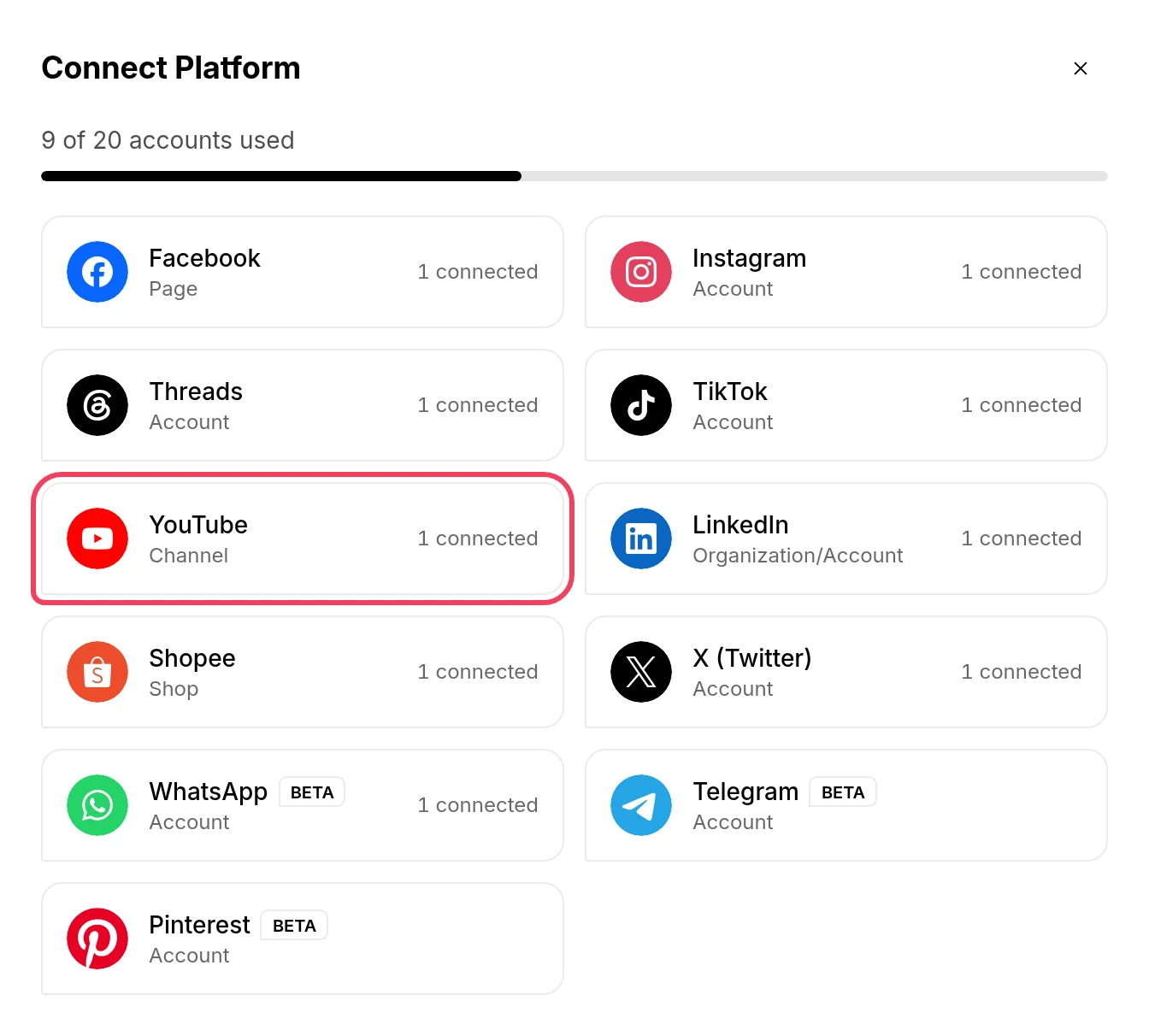
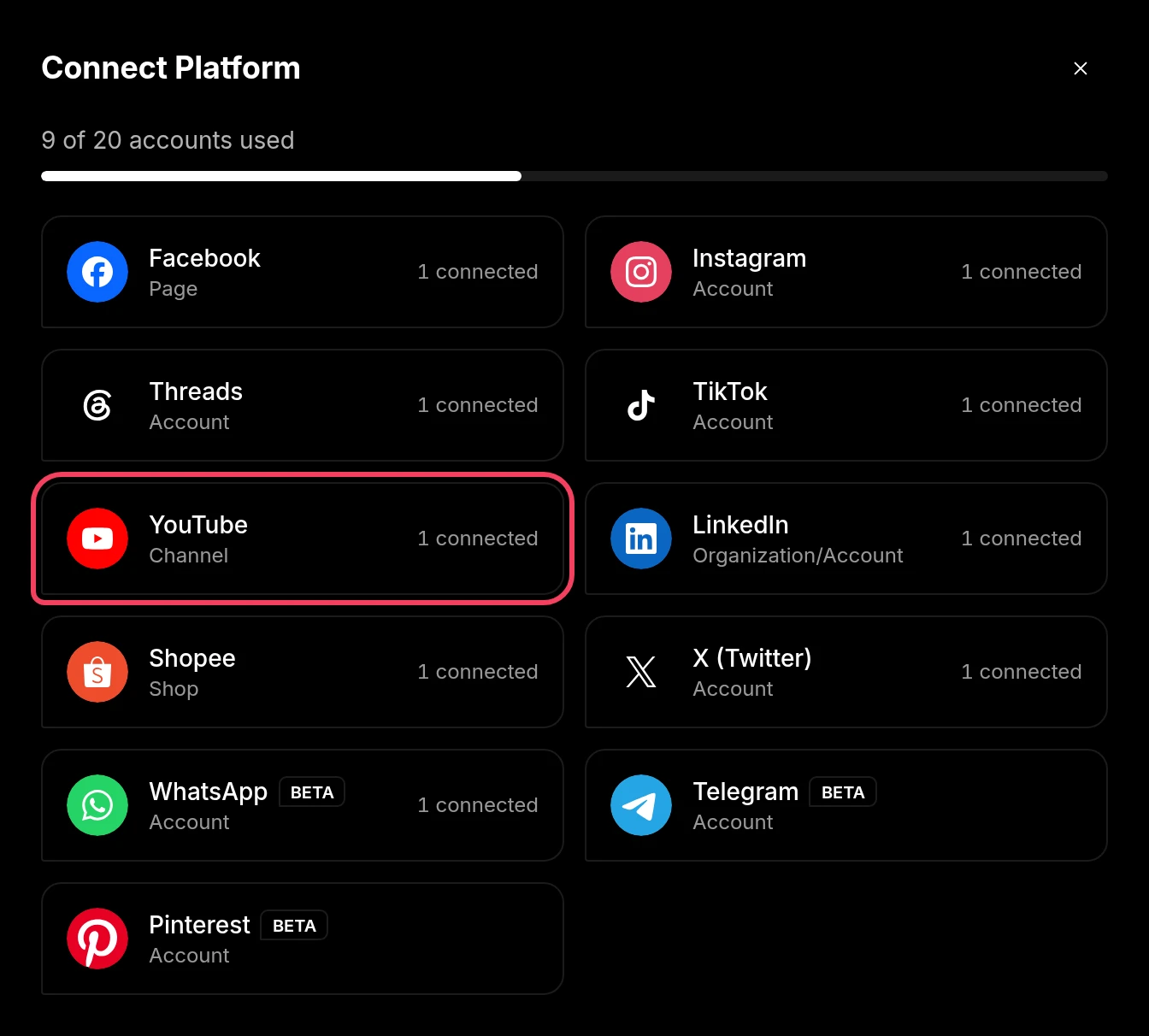
    The Connect Platform window with YouTube highlightedThe Connect Platform window with YouTube highlighted
  3. Google sign-in opens. Choose the Google account that manages the channel, then allow every permission Repliz requests.

  4. You return to Repliz, which shows Select a YouTube Channel with the channels on that Google account. Tick the channels you want to connect. You can pick more than one, and each one uses one account slot.
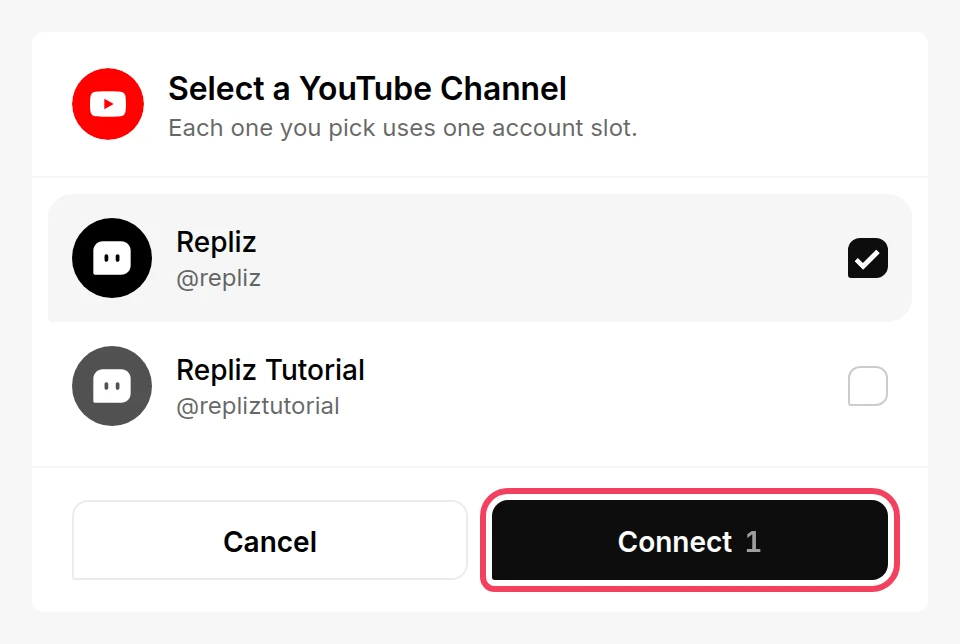
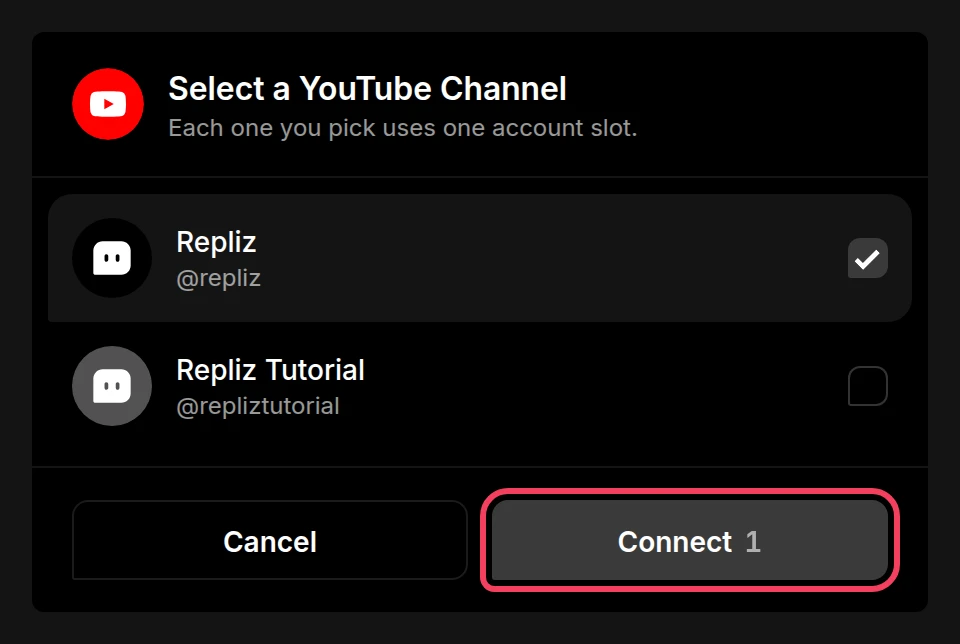
    The Select a YouTube Channel list with a channel ticked and the Connect button highlightedThe Select a YouTube Channel list with a channel ticked and the Connect button highlighted
  5. Click Connect.

  6. Repliz shows Account successfully connected and takes you back to Account Integration, where your channels now appear.
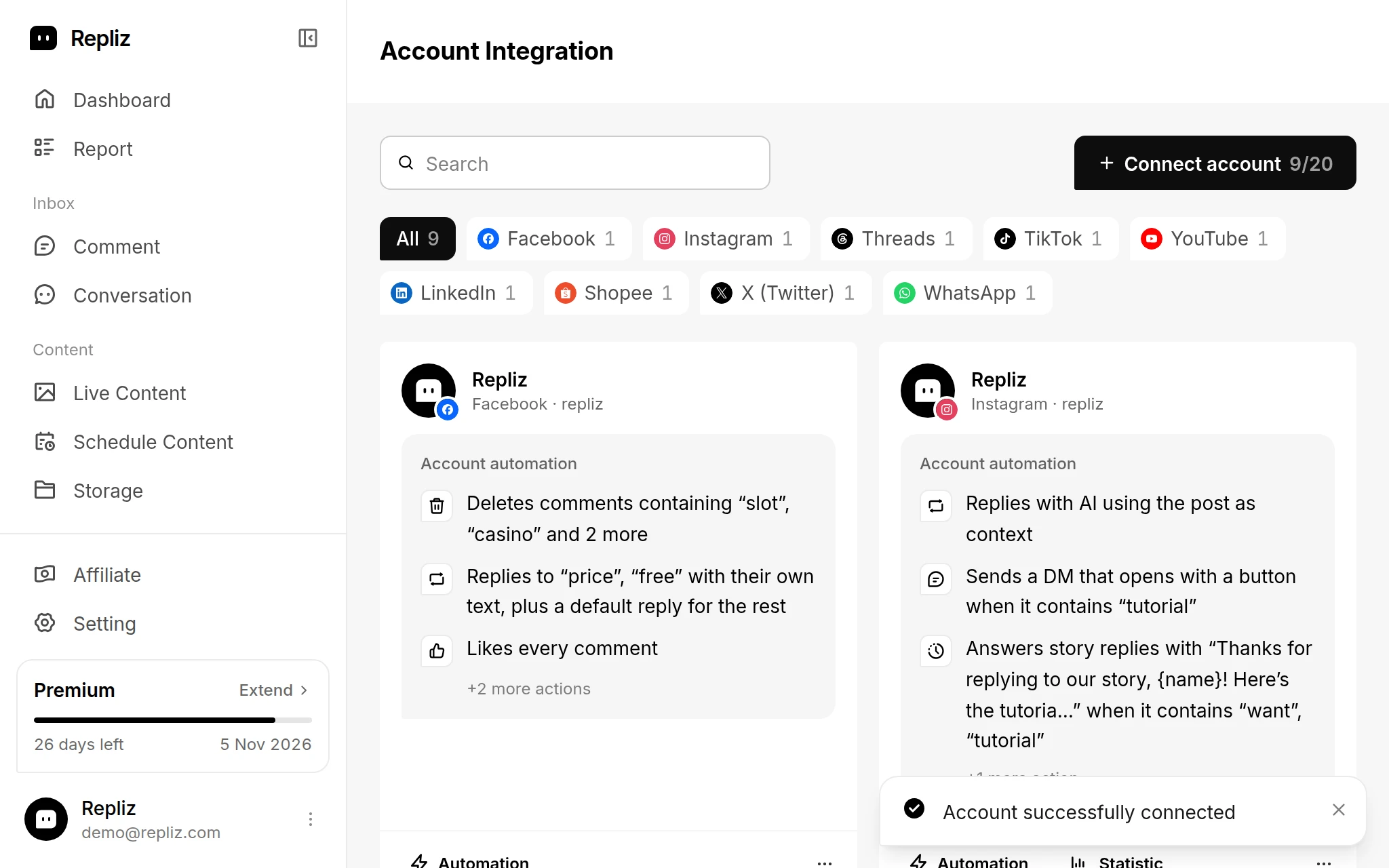
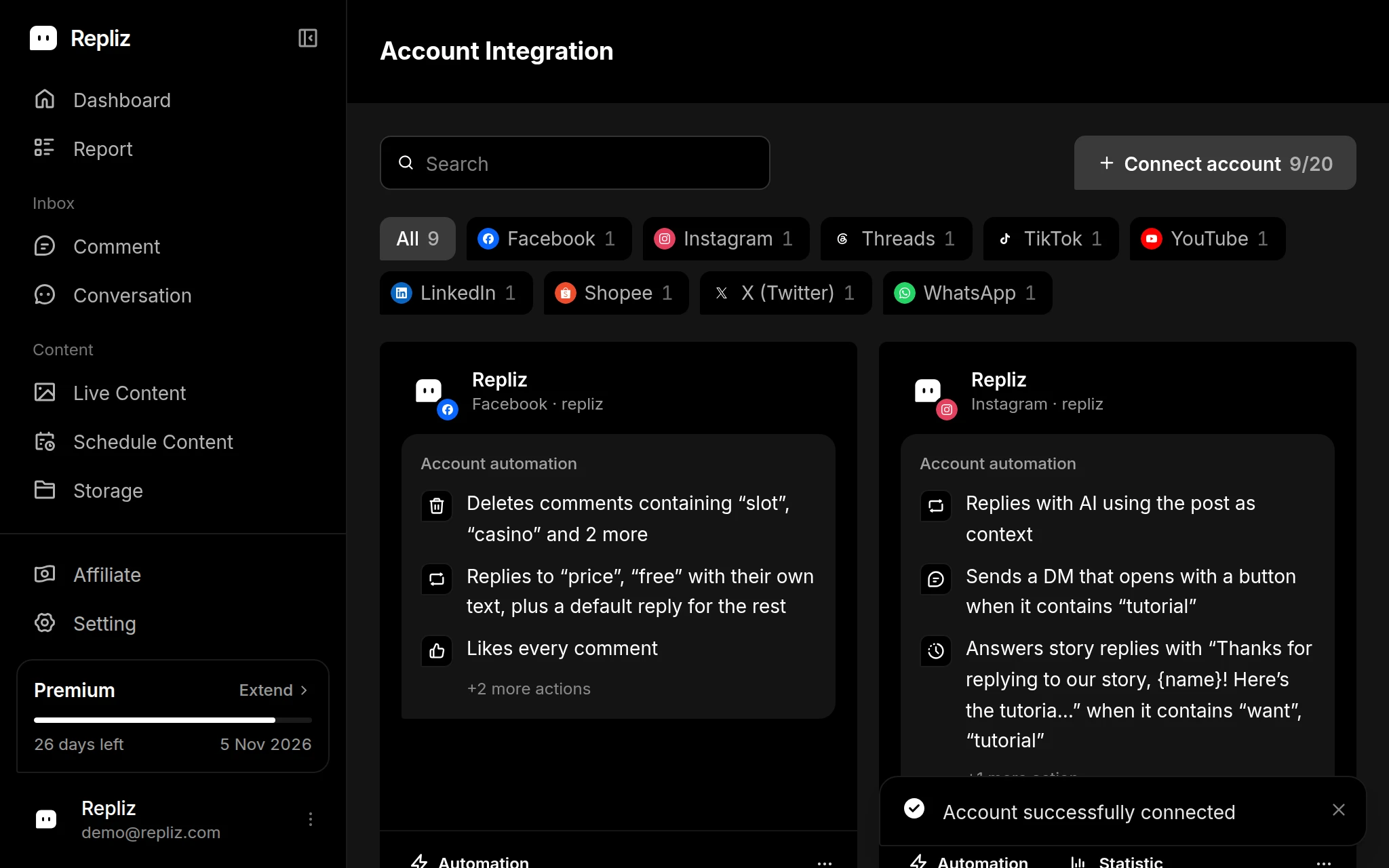
    Account Integration showing the Account successfully connected messageAccount Integration showing the Account successfully connected message

Reconnect ​

If Repliz loses access to the account, for example when its access expires or you remove Repliz's access on YouTube, its card in Account Integration gets a yellow outline and a Disconnected notice. To fix it:
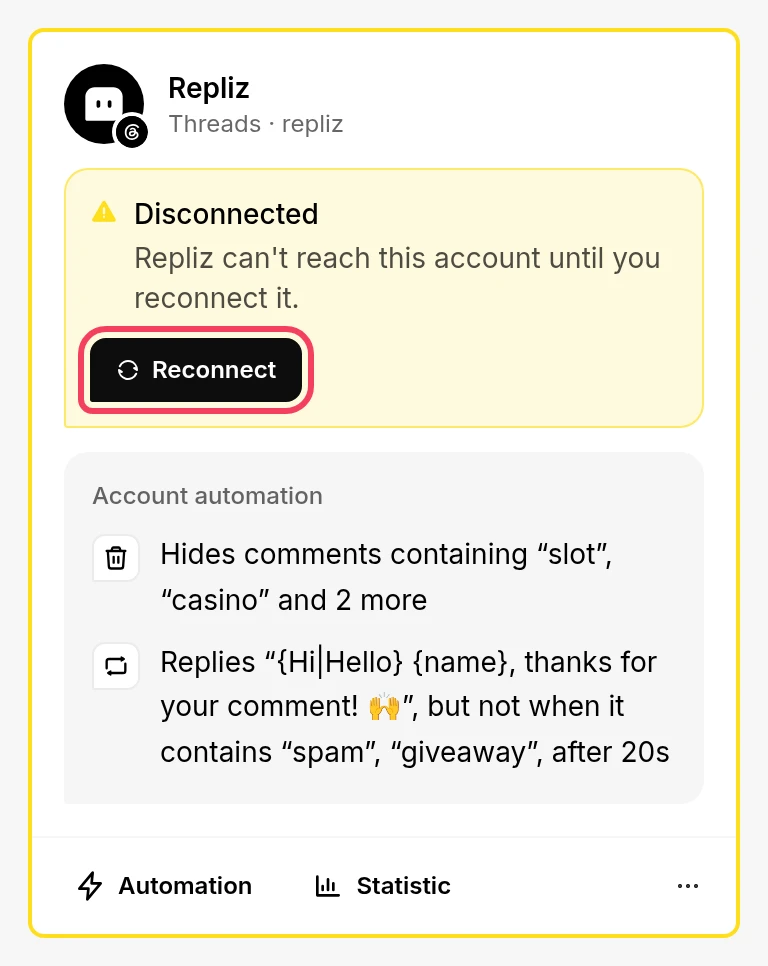
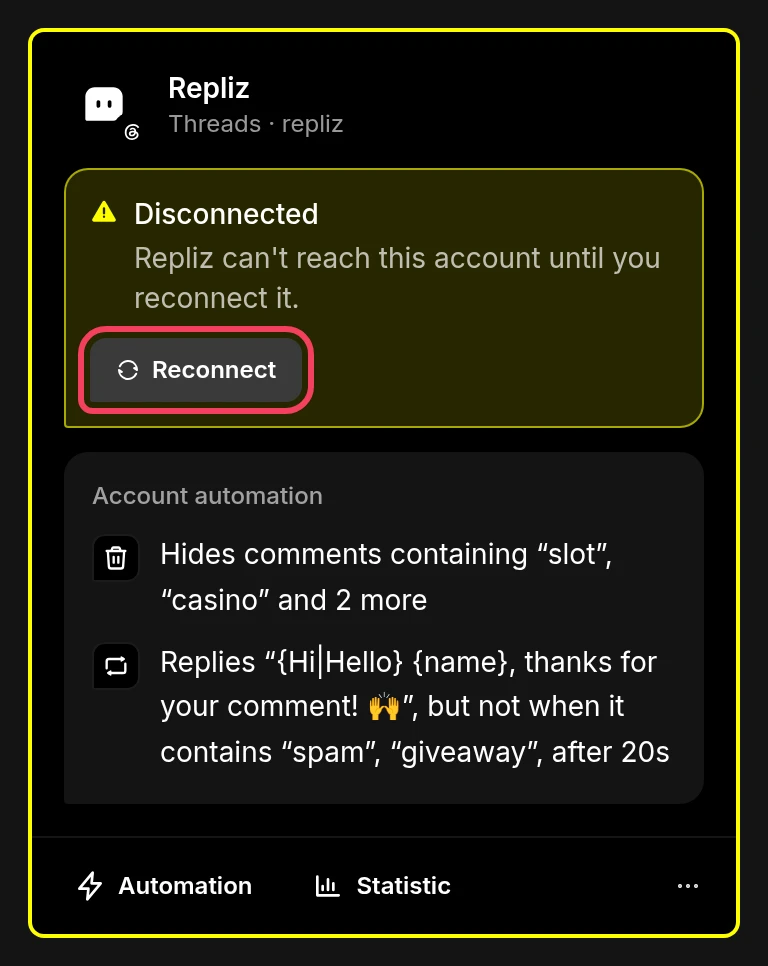
A disconnected account card with the Reconnect button highlightedA disconnected account card with the Reconnect button highlighted
  1. Click Reconnect on the account's card in Account Integration. The same button is also in the card's ⋯ menu.
  2. Google sign-in opens. Log in with the same Google account that manages the channel and allow the permissions again.
  3. Repliz reconnects the account automatically. You don't need to pick it from the list again.

Good to know ​

  • YouTube doesn't notify apps about new comments, so Repliz checks the channel for them every few minutes. New comments show up in Comment and automations run after that check, not instantly.
  • The Connect account button is greyed out? Every account slot in your plan is in use. Upgrade your plan or delete an account you no longer need. See Account slots.

Next, set up automation for the whole channel, or per video.