English
English
Appearance
Connect Repliz to your AI assistant using the official Repliz MCP server. It lets MCP-compatible clients (Claude, ChatGPT, Codex, Cursor, and others) manage your Repliz workspace in plain language: list and reply to comments, schedule posts, handle DMs, browse content and stats, research Threads, manage automations and templates, and more.
What is MCP?
The Model Context Protocol is an open standard that lets AI assistants call external tools. Your client connects to the Repliz server and gains a set of tools, one per Repliz action. You can then say things like "reply to the latest pending comment" or "schedule this image to Instagram tomorrow at 9am", and the assistant calls the right Repliz API for you.
Just two things:
There is nothing to install, build, or keep updated. Repliz runs the server, and your client connects to it over HTTPS. Apps that can sign in to MCP servers, such as Claude and ChatGPT, open a Repliz sign-in page where you paste your keys once. Other apps send your keys with each request.
Step-by-step guides
Follow the guide for your app: Claude Website, Claude Desktop, Claude Code, ChatGPT, Codex, or other apps such as Cursor and VS Code.
The Repliz Public API uses HTTP Basic Auth: the Access Key is the username and the Secret Key is the password.
Log in to your Repliz Dashboard.
Open Settings → Public API.
Copy your Access Key and Secret Key.
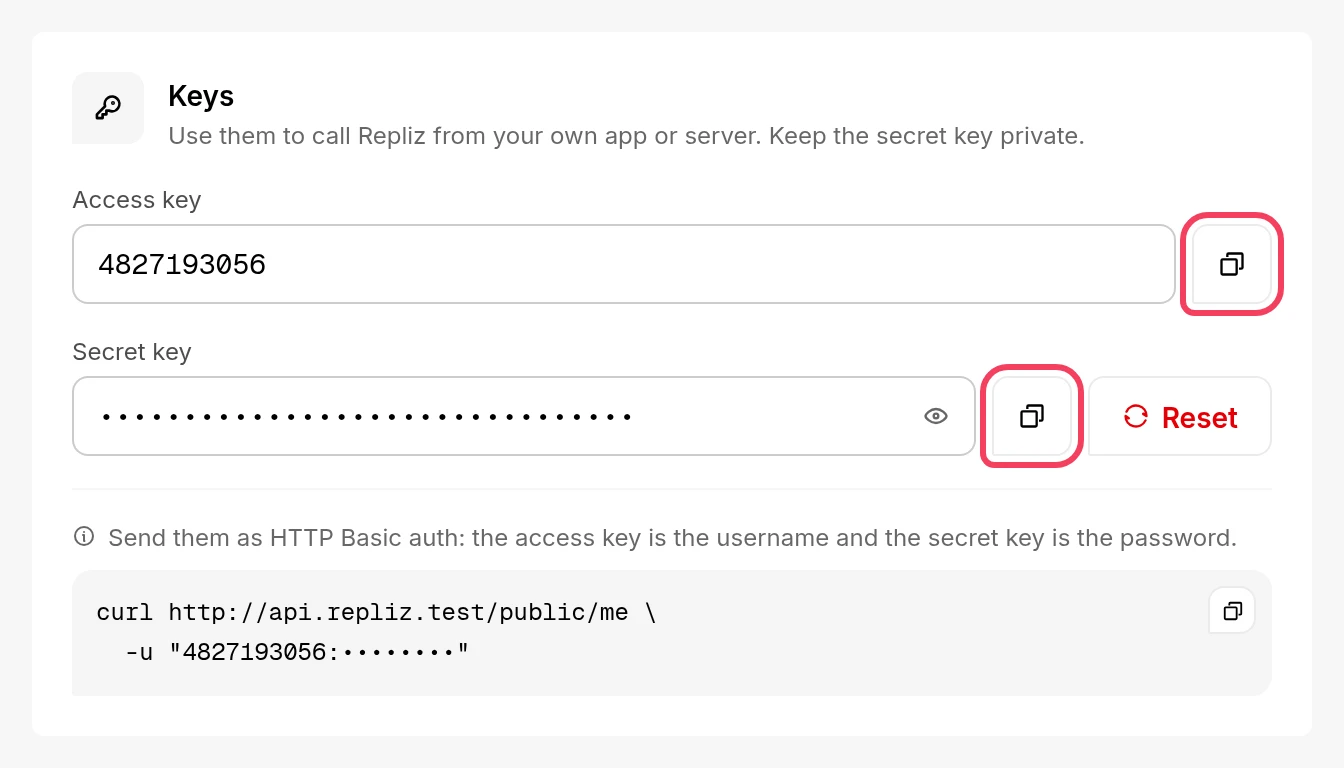
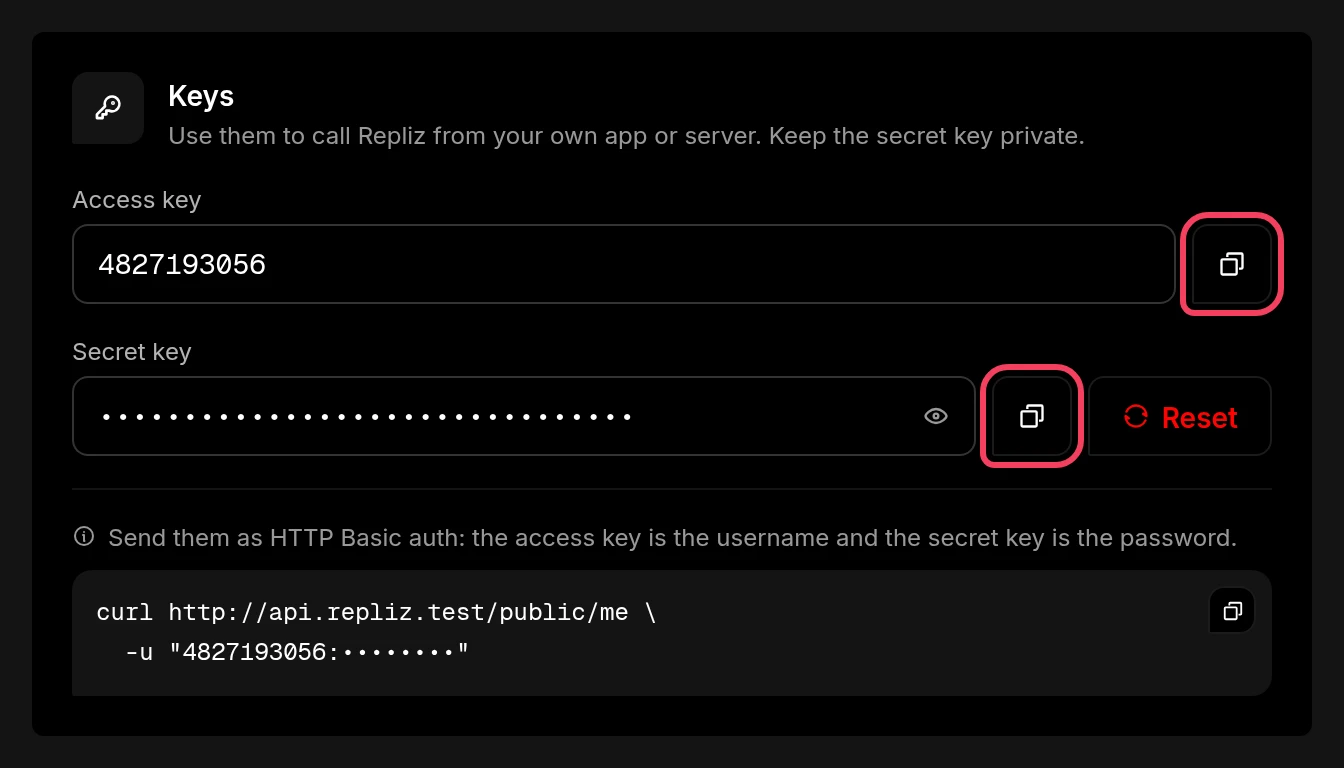
Treat these like passwords
Anyone holding both keys can act on your workspace. Do not paste them into shared documents or public repositories. If a key leaks, click the refresh button next to the Secret Key on the same page to generate a new one.
Point your client at the URL below. It connects in one of two ways: by signing in to Repliz, or by sending your keys in a header. Either way, your keys are checked against the Repliz API when the connection opens and are bound to that connection only, so your workspace stays separate from everyone else's.
Endpoint
https://mcp.repliz.com/mcpRolling out
The hosted endpoint is currently being launched. If your client cannot reach it yet, it is not your configuration — give it a little time and try again.
Apps that can sign in to MCP servers (with OAuth), such as Claude and ChatGPT, need only the URL. When you connect, the app opens the Repliz sign-in page:
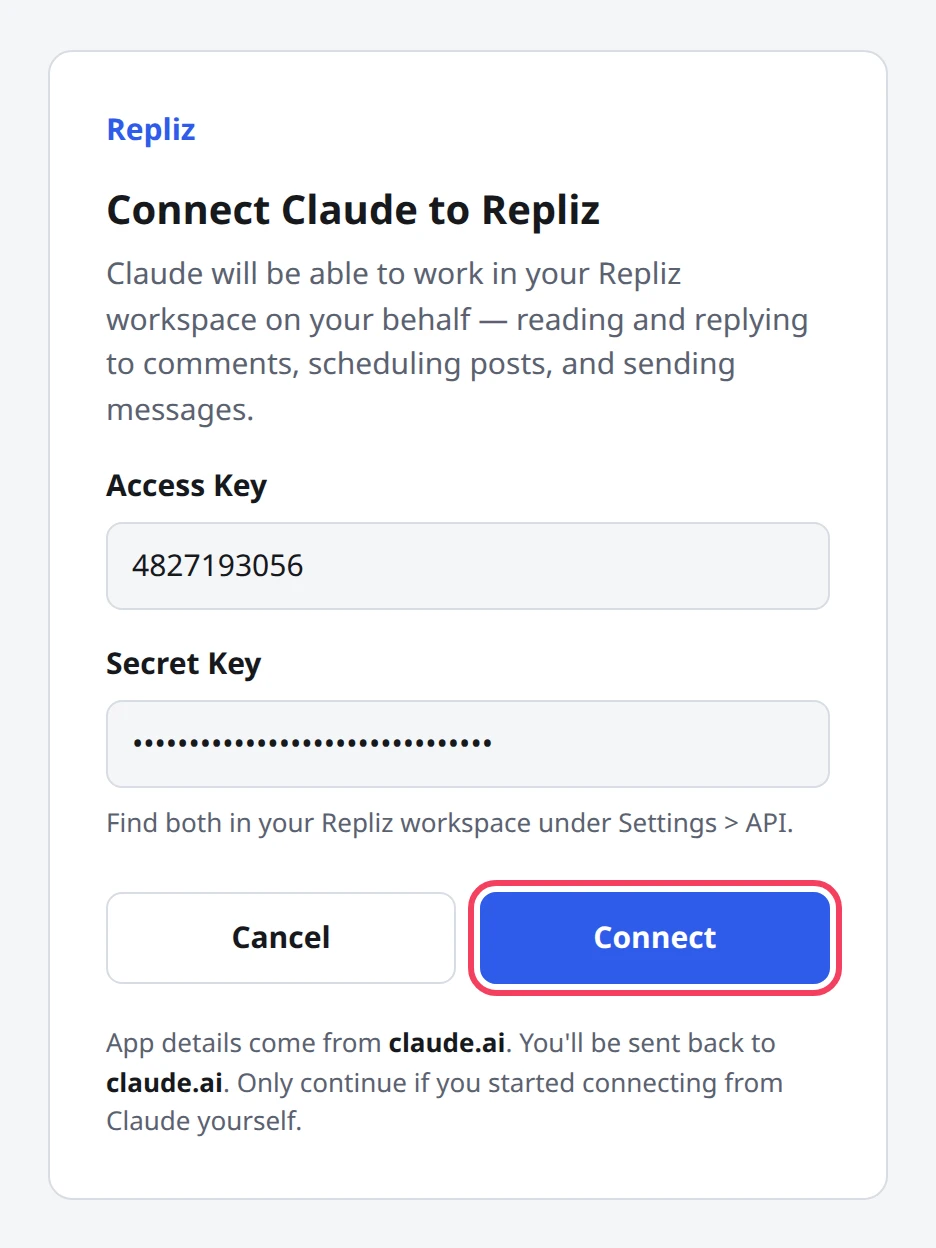
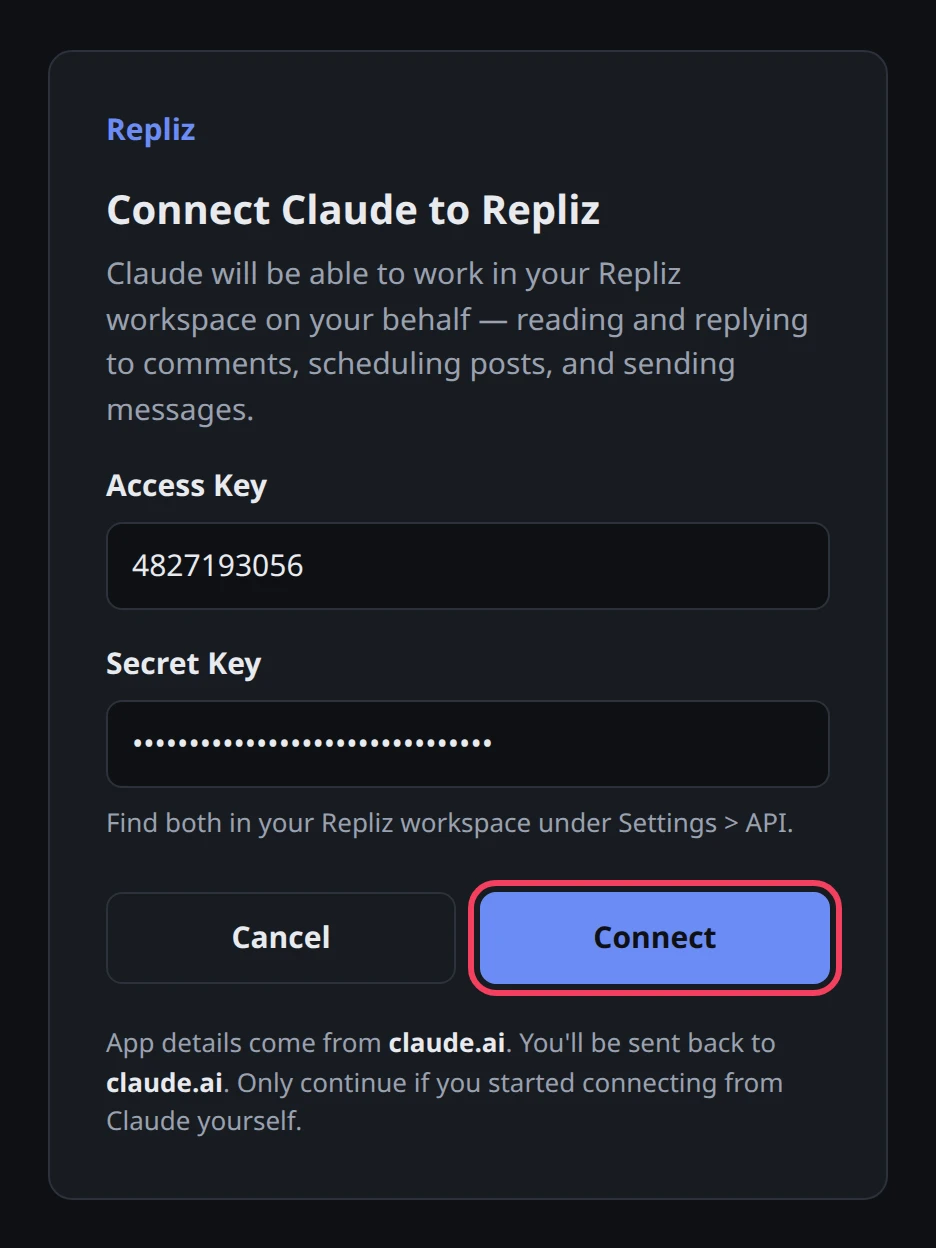
The page names the app that is asking and the address you'll be sent back to. Only continue if you started connecting from that app yourself; if the address looks wrong, click Cancel.
After that:
Apps without a sign-in send your Access Key and Secret Key with each request, in either form:
Authorization: Basic base64(accessKey:secretKey)X-Repliz-Access-Key: <accessKey>
X-Repliz-Secret-Key: <secretKey>A connection with missing or invalid keys is rejected with 401 before anything else happens, so a typo in a key fails immediately and clearly rather than surfacing later as a confusing tool error.
| Client | How it connects | Guide |
|---|---|---|
| Claude Website | A custom connector that signs in with Repliz. Works on every Claude plan. | Claude Website |
| Claude Desktop | The same connector as Claude Website, or a local config with mcp-remote | Claude Desktop |
| Claude Code | claude mcp add, then sign in from /mcp; or --header | Claude Code |
| ChatGPT | A custom MCP server in ChatGPT Plugins that signs in with Repliz | ChatGPT |
| Codex (ChatGPT desktop app, CLI, IDE extension) | codex mcp add, then codex mcp login; or http_headers in config.toml | Codex |
| Cursor, VS Code, and other clients | Sign in with Repliz, or the Authorization header | Other Apps |
| OpenAI Responses API | A remote MCP tool with the URL above and your Basic token in its headers | – |
| Anthropic API (MCP connector) | Not supported yet. The connector only sends a ready-made token in authorization_token: it can't open the Repliz sign-in page or send Basic credentials. | – |
Uploading media is a three-step flow: repliz_init_file reserves a slot and returns a one-time upload URL, then repliz_upload_file sends the bytes, then repliz_complete_file finalizes the record.
The middle step takes a sourceUrl — a publicly reachable https URL of the file — not a path on your computer. The server runs remotely and has no access to your disk, and for good reason: a path parameter on a shared server would let any user read that server's own files.
So host the file somewhere publicly reachable first and give the assistant that URL.
Keeping media off the server
You can also skip the middle tool entirely: call repliz_init_file, PUT the bytes straight to the URL it returns from your own machine, then call repliz_complete_file. Your file never passes through Repliz's MCP server that way.
The server exposes 105 tools across the Repliz Public API, grouped by domain.
Manage the social accounts connected to your workspace.
repliz_list_accounts, repliz_count_accounts, repliz_get_account, repliz_get_account_statistics, repliz_update_account_automation, repliz_delete_account
Run the flows that link a social account to Repliz. Most platforms use OAuth: request an authorization URL, exchange the returned code, list the available pages, channels, or organizations, then connect or reconnect. WhatsApp and Telegram use a QR code instead: create a session, read its QR code, then connect or reconnect; on Telegram, an account with Two-Step Verification also sends its password.
Supported platforms: Facebook, Instagram, Threads, YouTube, LinkedIn, TikTok, Shopee, Twitter/X, Pinterest, WhatsApp, and Telegram — 42 tools in total, named repliz_authorize_*, repliz_exchange_*, repliz_get_*_pages / _channels / _organizations, repliz_create_*_session, repliz_get_*_session, repliz_send_telegram_password, repliz_connect_*, and repliz_reconnect_*.
Connecting an account still needs you
These tools handle the API side, but you still approve the connection yourself: in a browser where you log in and grant permission, or, on WhatsApp and Telegram, by scanning the QR code with your phone. For a guided walkthrough, see Connect Accounts.
Retrieve and moderate comments collected in your inbox.
repliz_list_comments, repliz_get_comment, repliz_reply_comment, repliz_update_comment_status, repliz_delete_comment
Manage direct message conversations.
repliz_list_chats, repliz_get_chat, repliz_list_messages, repliz_send_message, repliz_read_chat
Work with published posts, reels, and stories, plus their comments and stats.
repliz_list_content, repliz_get_content, repliz_get_content_comments, repliz_create_content_comment, repliz_get_content_statistic, repliz_message_content_comment, repliz_like_content_comment, repliz_delete_content_comment, repliz_delete_content
Create, update, and queue scheduled posts across platforms.
repliz_list_schedules, repliz_get_schedule, repliz_create_schedule, repliz_update_schedule, repliz_retry_schedule, repliz_delete_schedule, repliz_delete_schedules
Manage automation rules that reply to comments and messages for you.
repliz_list_automations, repliz_get_automation, repliz_create_automation, repliz_update_automation, repliz_delete_automation
Manage reusable automation templates.
repliz_list_templates, repliz_get_template, repliz_create_template, repliz_update_template, repliz_delete_template
Upload and manage the media files used in your posts.
repliz_get_storage_statistic, repliz_list_files, repliz_get_file, repliz_init_file, repliz_upload_file, repliz_complete_file, repliz_delete_file, repliz_delete_files
Inspect and retry generated reports.
repliz_list_reports, repliz_get_report, repliz_retry_report
Search Threads content, user content, and user profiles.
repliz_search_threads_content, repliz_search_threads_user_content, repliz_search_threads_user
Helper utilities for building posts, plus your current add-on allocation.
repliz_tiktok_trending_music, repliz_shopee_products, repliz_whatsapp_channels, repliz_telegram_channels, repliz_pinterest_boards, repliz_link_metadata, and repliz_get_me_addon Standard+
Plan requirements
Tool availability follows your Repliz subscription tier. Accounts and Comments work on Standard; Account Connect, Chat, Content, Automation, Templates, Reports, and Research require Gold; Schedule and Add-ons require Premium. Storage tools need the Storage add-on. Calling a tool above your plan returns a clear error rather than failing silently.
Once connected, ask your assistant things like:
<id>."Review write actions
Tools that reply, schedule, send, or delete take real action on your accounts. Review what the assistant proposes before confirming, and be careful with untrusted content the model reads, since comments and messages from strangers can carry prompt-injection attempts.